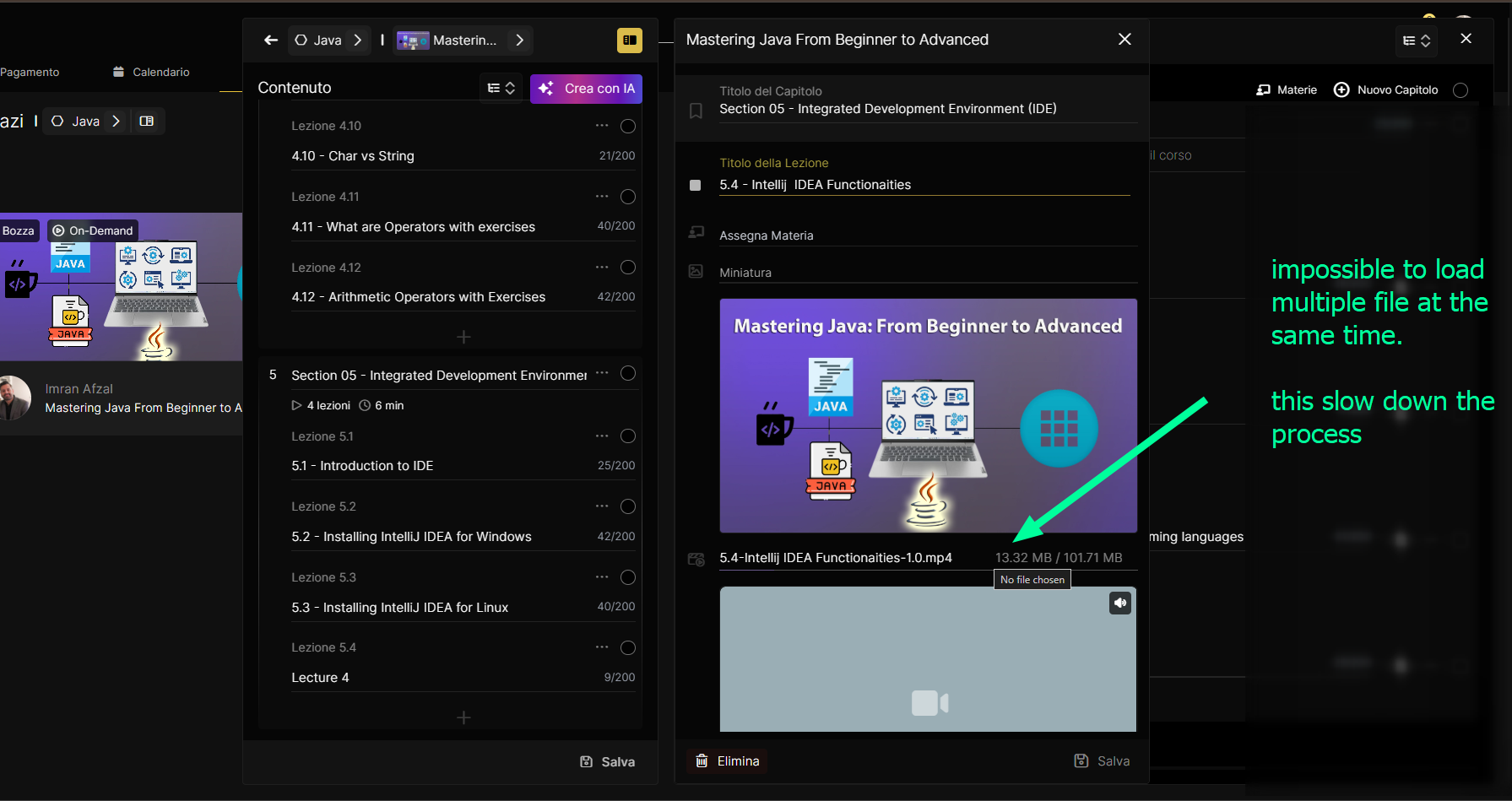
the video upload process is a component of the flow that slows down the process.
Once a video upload has begun but not been completed, either intentionally or by not closing the upload screen, the video upload stops. This forces the user to start the upload from scratch (if they notice).
We should adopt a different solution that doesn't disrupt the flow.
Possible solutions:
Leave the upload running in the background even if you move to other screens.
In platforms like Canva, users can upload multiple pieces of content at once. This content will then form a user's media "catalog." They can use these at any time and upload them to projects separately from the upload. This is because it's a kind of drive, meaning a single location where all the videos or media are stored.
Obviously, an upload limit is needed to avoid clogging up bandwidth, or you need to create an upload queue with a maximum of 2-3 files uploading simultaneously.